


Introduction to Cross-Browser Testing
Playwright Browser Support stands out as a core advantage. Specifically, this feature helps Playwright dominate modern web application testing. Currently, people use various websites and daily web tools. Consequently, users expect these web applications to run consistently across multiple browsers and operating systems. Furthermore, they must also function perfectly on different mobile phones and tablet devices. Ultimately, devices should never cause the application to malfunction. To achieve this, Playwright helps testing staff automate web application testing processes. Functionally, it targets several major browser core programs, or browser kernels. As a result, staff no longer need to manually check each browser for issues. Instead, teams can easily identify problems specific to a single browser. Thus, this step-by-step approach significantly improves application quality.
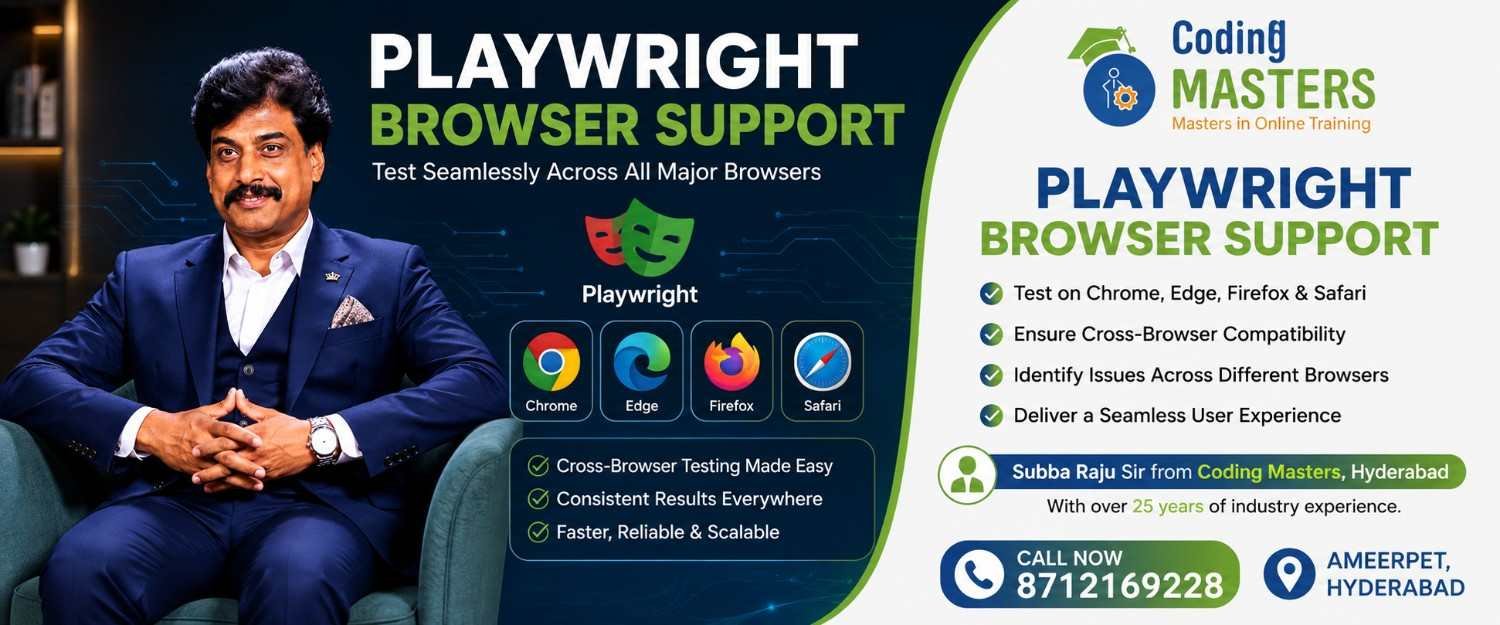
Playwright Browser Support: What Is Playwright Browser Support?
Fundamentally, Playwright Browser Support calls different browser kernels to automate web application testing. Notably, the tool primarily supports Chromium, Firefox, and WebKit kernels. Accordingly, testers use these kernels to verify proper application functionality. Ultimately, this ensures ordinary users can successfully open and use the applications in common browsers. For instance, Chromium testing covers browsers like Google Chrome and Microsoft Edge. Meanwhile, Firefox kernel testing verifies application operation within Mozilla Firefox. Additionally, WebKit testing evaluates the browser kernel adopted by Apple Safari. Consequently, testing teams avoid building independent automation frameworks for each browser. Instead, they simply run identical testing processes across a multi-browser environment. Therefore, this approach saves immense effort on repetitive tool development.
Supported Browsers and Their Capabilities
Overall, Playwright fully supports three major browser kernels in total:
Chromium Google Chrome and many other browsers use the open-source Chromium kernel. To utilize this, Playwright launches Chromium instances to automatically complete various operations. Specifically, these include opening pages, clicking buttons, and submitting forms. Furthermore, it also handles login authentication and verifies page content correctness. Thus, Playwright completely automates these formerly manual and repetitive testing operations. Consequently, Chromium testing verifies application operating status within Chrome-like environments. As a result, testers easily identify issues unique to Chromium-based browsers.
Mozilla Firefox Additionally, Playwright also enables the automated control of Mozilla Firefox. Accordingly, testers run automated test cases using the Firefox kernel. Specifically, this checks interface layouts, forms, page redirects, and other functions. Moreover, it also verifies the reliability of various user interactions. Consequently, testing covers the various small operations ordinary users might encounter. Importantly, Firefox cross-browser testing uncovers unique and hidden compatibility issues. For example, Chromium testing alone misses these specific problems. Therefore, the Firefox browser triggers certain issues that testers would otherwise miss entirely.
Using WebKit Finally, Playwright supports WebKit as its third major browser kernel. Typically, teams choose this option to test application performance in Safari-like browsers. Specifically, WebKit testing helps developers identify rendering and screen adaptation issues. Furthermore, testers also find bugs related to page interaction functions. Consequently, teams proactively detect issues unique to Apple device Safari browsers.
Why Is Playwright Browser Support Important?
Undeniably, modern applications must provide a consistent experience across all browsers. For example, a payment button working in Chrome must also work in Safari. Naturally, users find unclickable buttons completely unacceptable. However, functions occasionally work properly in one browser while malfunctioning elsewhere.
Fundamentally, rendering kernel differences and JavaScript implementations cause these frustrating issues. Additionally, CSS support and native browser behaviors also play a role. Consequently, these underlying discrepancies make identical functions perform drastically differently across browsers. Fortunately, Playwright allows teams to run identical automated tests across multiple kernels. As a result, organizations save massive amounts of effort previously wasted on manual testing.
Therefore, testers skip opening individual browsers to repeat tedious operations. Moreover, teams detect compatibility issues much earlier in the development process. Consequently, this avoids rushing bug fixes right before application launch. Specifically, cross-browser testing covers login functions, page redirects, forms, and buttons. Furthermore, automation evaluates file uploads, pop-ups, and backend API interactions. Overall, testing encompasses the complete user operation flow from start to finish. Thus, engineers test every operational step a user might encounter.
Playwright Browser Support: Best Practices and Practical Testing Skills
Initially, teams using Playwright must first identify important target user browsers. Specifically, focus on major platforms like Chrome and Safari. Conversely, avoid prioritizing tests for rare or niche browser environments. Next, add these critical browser environments to the core automation process. Then, run tests consistently to cover primary user usage scenarios. Furthermore, testers must actively maintain highly reliable test cases. Additionally, avoid presetting browser-exclusive conditions unless the application requires special design. Otherwise, these exclusive conditions introduce bias and hide real compatibility issues. Moreover, development groups should integrate tests into the CI process for regular execution. Consequently, CI pipelines run all tests automatically after developers write new code. Ultimately, early detection helps developers resolve browser compatibility issues immediately.
Mastering Practical Playwright Testing Capabilities
Essentially, software testers refine solid cross-browser skills by understanding Playwright Browser Support. Furthermore, professionals gain practical web application testing experience by practicing automation. Specifically, they use Chromium, Mozilla Firefox, and WebKit kernels directly. Consequently, this hands-on approach builds independent testing capabilities beyond mere theory. Additionally, tech workers strengthen automation capabilities by combining Playwright with modern technologies. For instance, key integrations include JavaScript, TypeScript, API testing, and CI/CD pipelines. Ultimately, mastering these tools helps testers meet complex real-world project requirements.
Want to learn more about Playwright Browser Support in Hyderabad? Contact Coding Masters:
Gen AI and Agentic AI Training – Coding Masters
Flat No. 101, Bhavya Krishna Residency,
OPP: Siddartha Degree College,
Ameerpet Rd, Kumar Basti,
Nagarjuna Nagar colony,
Yella Reddy Guda,
Hyderabad, Telangana 500073
 Phone: 8712169228