


Automation Testing in Hyderabad
Today, practitioners engaged in modern software testing and web automation must all master Playwright. Why? Companies across the board are shifting to faster development rhythms: code written today can be integrated into the main project tomorrow, while automatic quality checks are also implemented, eliminating the need to manually conduct tests for over half a month as in the past. This requires testers to personally master tools that can efficiently verify modern web applications to keep up with corporate requirements, and Playwright is currently one of the most critical such tools in the industry.
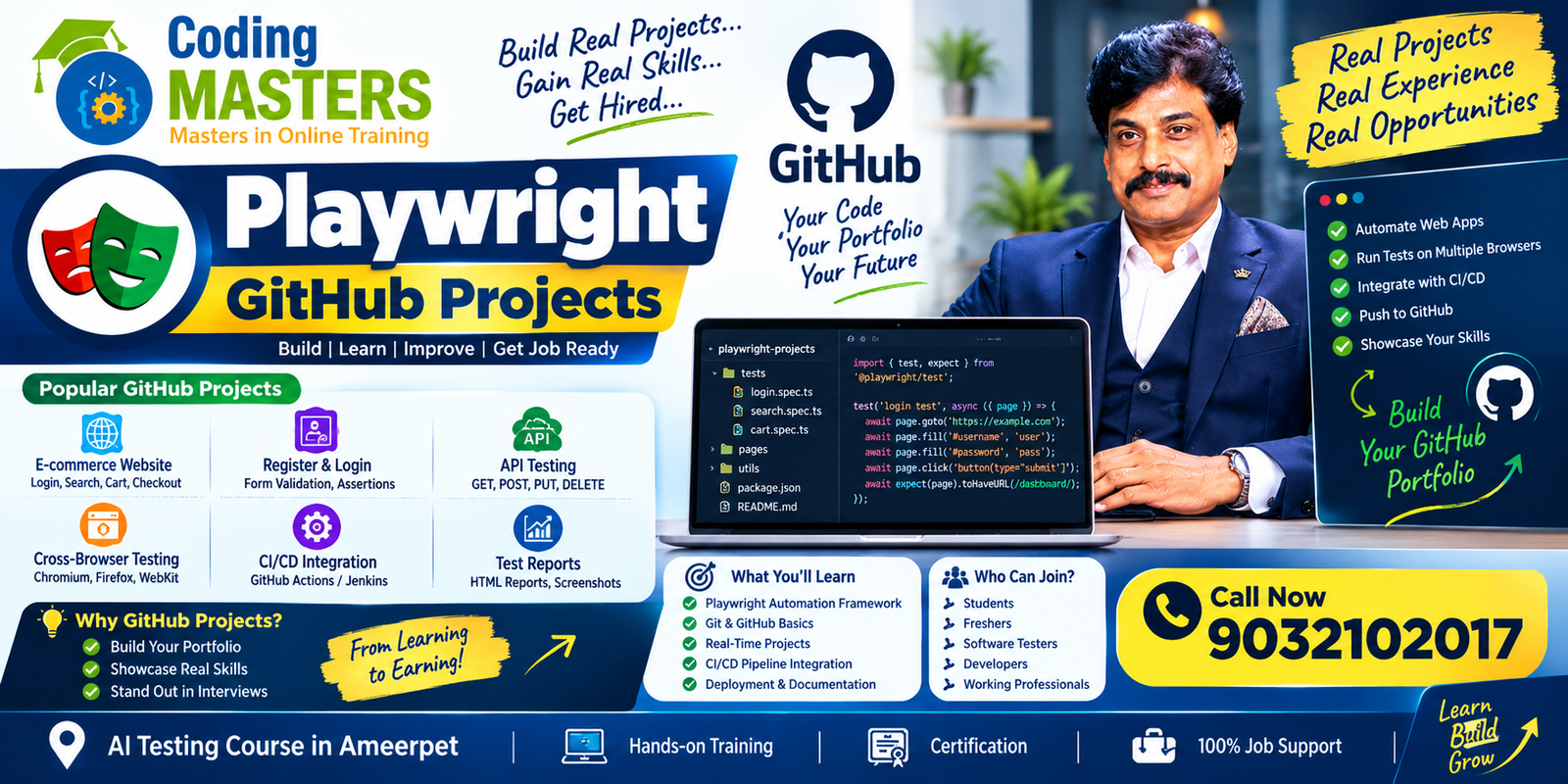
A well-organized GitHub portfolio can clearly show recruiters: how you design test cases, how you build reusable automation components, how you manage various test data, how you run tests across different browsers such as Chrome, Edge, and Safari, how you troubleshoot test failures, and how you embed tests into the CI/CD automated workflow, eliminating the need to manually run tests every time code is modified.
Why Build Playwright Projects for Your Portfolio?
Learning Playwright only through free online tutorials can only give you the most basic knowledge points.
The projects you include in your portfolio can clearly prove that you master these practical skills:
- Browser automation
- Locators and selectors
- Result assertions
- Page Object Model
- Test fixtures
- Test hooks
- Test data management
- Cross-Browser Testing
- Parallel test execution
- API Testing
- Screenshots and tracking information
- Test report generation
- Git and GitHub Actions
- CI/CD Integration
Building several such projects also helps you easily handle technical interviews. When an interviewer asks any related question, you can answer with the real choices you made when building your projects, instead of relying entirely on memorized interview “stock answers” found online. Your responses will be far more genuine and natural.
Top Recommended Playwright GitHub Project Directions
You do not need to tackle an extremely difficult project right away. You can build projects with gradually increasing complexity that matches your technical progress. Starting with small, simple applications and gradually building a complete automation framework is a very practical learning path that you can stick to, avoiding giving up because the project is too difficult at the start.Playwright with Python
First Project to Build: Login and Authentication Testing Project
For complete beginners, the login automation project is the most suitable first step, bar none. It has clear logic and uses only Playwright’s most basic core features, helping you build confidence quickly.
You can implement these test scenarios in this project: successful login with correct account credentials, failed login with incorrect account credentials, failed login when submitting empty input fields, normal verification of password format rules, successful return to the logged-out state after clicking the logout button, and no issues with the post-login session status. These are all test points that must be covered even in the simplest login process.
This basic project can demonstrate your mastery of Playwright’s core capabilities: locating page elements such as input boxes and buttons, entering content into input boxes, interacting with elements like buttons, and verifying that the actual test results match your expectations.
As your skills improve over time, you can add new features to this original project, such as saving authentication status to avoid logging in repeatedly, building reusable test templates, organizing structured test data, and adding more abnormal test scenarios, allowing this small project to grow alongside your abilities.
Second, Intermediate Project: E-Commerce Playwright Project
E-commerce applications offer dozens of real-world workflows that can be automated, making them an ideal scenario for practice. After all, many companies’ testing positions work on e-commerce projects.
A complete E-Commerce automation project can cover:
- User registration
- Login
- Product search
- Product filtering
- Viewing product details
- Adding items to the shopping cart
- Updating shopping cart contents
- Checkout
- Order confirmation
You can use the Page Object Model to organize the code for this project, avoiding piling all logic into one disorganized mess. You can also build reusable functions and add integrated test data management.
After completing this project, your portfolio will include presentable end-to-end automation capabilities that fully meet the requirements of real-world QA work environments, and interviewers will immediately recognize that you can start contributing on day one.
Third, Advanced Project: API and UI Testing Project
Today’s applications, whether web or mobile, rely heavily on APIs. Testers who cannot test APIs simply cannot meet current job requirements.
Integrating API testing and UI testing into your project will make your Playwright portfolio far more complete, and you will no longer be seen as a novice who only tests surface-level page functions.
You can write a test workflow like this: first send an API request to verify that the interface’s returned status code and data are correct, then open the application’s UI to check if the corresponding information displayed on the page matches the API’s returned data, ensuring you do not miss cases where the interface data is correct but the page display is wrong.
This project can prove that you are capable of both functional UI testing and automated API validation, making you a well-rounded candidate who meets modern testing requirements.
How to Structure Your Playwright GitHub Repository?
To build a professional project that you can show interviewers, you must have a clear, easy-to-understand directory structure. No one wants to open a repository and see all files piled in the root directory.
The specific structure can be adjusted to match your framework and the project’s specific needs, but a basic repository will generally have separate folders for test code, page object code, test fixtures, utility functions, test data, and core configurations. Separating code for different purposes allows you to find what you need instantly.
The standard basic structure is roughly as follows:
playwright-project/
├── tests/
├── pages/
├── fixtures/
├── test-data/
├── utils/
├── playwright.config.ts
├── package.json
└── README.md
The purpose of this organization is to keep your automation code clear and reusable, instead of cramming all tests into a single large file of dozens or hundreds of lines. If someone has to flip through pages of code to find a specific test, the project’s value drops significantly.
Write a Useful README File
The README is one of the most important parts of any GitHub project, even more important than the code itself—many interviewers open your repository and look at the README first.
If the README is poorly written, they may lose interest in even looking at your code. It must clarify two core questions: what this project does, and how other developers or testers can run it on their own machines. It should not only work on your personal computer and be unusable for anyone else.
A qualified README must include these sections:
- Project overview
- Introduction to the application under test
- Technologies used
- Installation requirements
- Configuration instructions
- Commands to run tests
- Information on supported browsers
- How to generate reports
- Folder structure
- CI/CD-related details
- Sample test scenarios
Clear, detailed documentation allows anyone to easily understand your project, and makes conversations with interviewers during interviews smooth. You will not have to spend the whole time explaining “what this file does” and “what that function is”, freeing up time for interviewers to learn about your other strengths.
Playwright GitHub Project Advice for New Graduates
New graduates in Hyderabad who are looking for Playwright training opportunities or applying for automation testing positions can use these portfolio projects to prove that you are not just a student who only memorizes textbooks, but a candidate who has truly learned through hands-on practice and is ready to start working immediately.
Beginners just starting out do not need to tackle large enterprise-level frameworks right away. Those frameworks are built by teams of senior engineers, and taking them on as a new starter will only hurt your confidence.
It is fine to start with small projects, adding new features gradually as you learn, and slowly building up a competitive portfolio.How to Start a Career in Playwright
You can follow this logical order to learn without losing pace:
Login Testing → E-Commerce Testing → API Testing → Cross-Browser Testing → Framework Development → CD Integration
After completing each project, record what you learned and what new features you implemented that you could not do before. This not only helps you track your learning progress, but adding it to the README also lets interviewers see your growth trajectory.
There is also a common pitfall for new graduates to avoid: you must never pass off your personal practice projects as work experience, no matter how polished your projects are. Clearly label these projects as training projects, school assignments, personal practice projects, or portfolio projects, and maintain full transparency throughout. Integrity is the most basic requirement for job hunting.
Playwright Project Advice for Testers with Experienced Selenium Experience
For example, you can use Selenium and Playwright to build automation workflows for the same application separately, then organize the Playwright implementation into an independent project to host on GitHub. Interviewers can intuitively see your ability to transfer experience from an older tool to a new one, a skill that many testers switching tools fail to develop.
Experienced practitioners can focus on mastering more advanced Playwright capabilities, adding these high-level features to their projects to increase their portfolio’s value:
- Framework architecture
- Page Object Model
- Test fixtures
- Parallel execution
- API integration
- Network request interception
- Authentication handling
- CI/CD
- Test report generation
- Debugging and tracking
In this way, your GitHub portfolio can not only prove that you know Playwright’s basic syntax, but also showcase your overall professional capabilities as an automation engineer. This is more than sufficient to apply for senior testing positions.

Add GitHub Actions to Your Playwright Project
Adding built-in continuous integration to any Playwright GitHub project is a high-value upgrade that takes very little time but greatly boosts the project’s level of professionalism.
As soon as you push new code to the repository, or someone submits a merge request, GitHub Actions will automatically run your Playwright tests, eliminating the need to manually run them after every code change, exactly matching development workflows in real work.Playwright Training in Ameerpet
The standard workflow for this feature is as follows:
Code Commit → Trigger GitHub Actions → Install Dependencies → Install Browsers → Execute Playwright Tests → Generate Report → Store Results
Implementing this feature in your project proves that you can seamlessly integrate automation testing into the standard software development lifecycle, rather than being a novice who only runs tests on your personal computer.
Those applying for QA Automation Engineer, SDET, or Playwright Automation Tester positions in Hyderabad can use these projects to prove that you are familiar with modern development processes and are a candidate that meets large companies’ requirements.
What Should a Professional Playwright Portfolio Demonstrate?
A strong portfolio that helps you land an offer must show clear growth in technical complexity. When interviewers browse your projects, they should immediately see your growth trajectory from beginner to experienced practitioner, rather than seeing the same login project rebranded and uploaded ten times to pad your portfolio.
Do not upload a bunch of nearly identical projects; focus on building projects that each showcase a unique set of skills, with each project introducing new knowledge points—only then is it a useful portfolio.
For example, you can build projects in this order, each covering new skills:
- Project 1: Basic UI automation
- Project 2: Page Object Model framework
- Project 3: E-Commerce end-to-end testing
- Project 4: API and UI integrated automation
- Project 5: Cross-browser and parallel testing
- Project 6: Playwright project with GitHub Actions integrated
Each project covers a unique, enterprise-demanded area of automation testing. After reviewing your entire portfolio, your skill boundaries are crystal clear, and interviewers can immediately judge if you are a fit for the position they are hiring for.Playwright API Testing
Address: flat no 101, Bhavya Krishna Residency, OPP: Siddartha Degree College, Ameerpet Rd, Kumar Basti, Nagarjuna Nagar colony, Yella Reddy Guda, Hyderabad, Telangana 500073