


The software being developed today is also different from before: with fast feature updates and high iteration frequencies, the requirements for testing have also risen. As soon as a developer commits any line of code, the testing process must start immediately, and the results must be fed back to the development team right away—unlike the old practice of testing a large batch of modified code all at once.How to Start a Career in Playwright
Playwright CI/CD Integration serves as a bridge for automation testing practitioners, directly connecting this browser-specific testing tool to the entire end-to-end software delivery pipeline of enterprises, from development to launch. This eliminates the need to set aside separate time to run automation tests, allowing them to be seamlessly integrated into every core step of development and deployment, starting automatically as development progresses.Playwright Interview Preparation
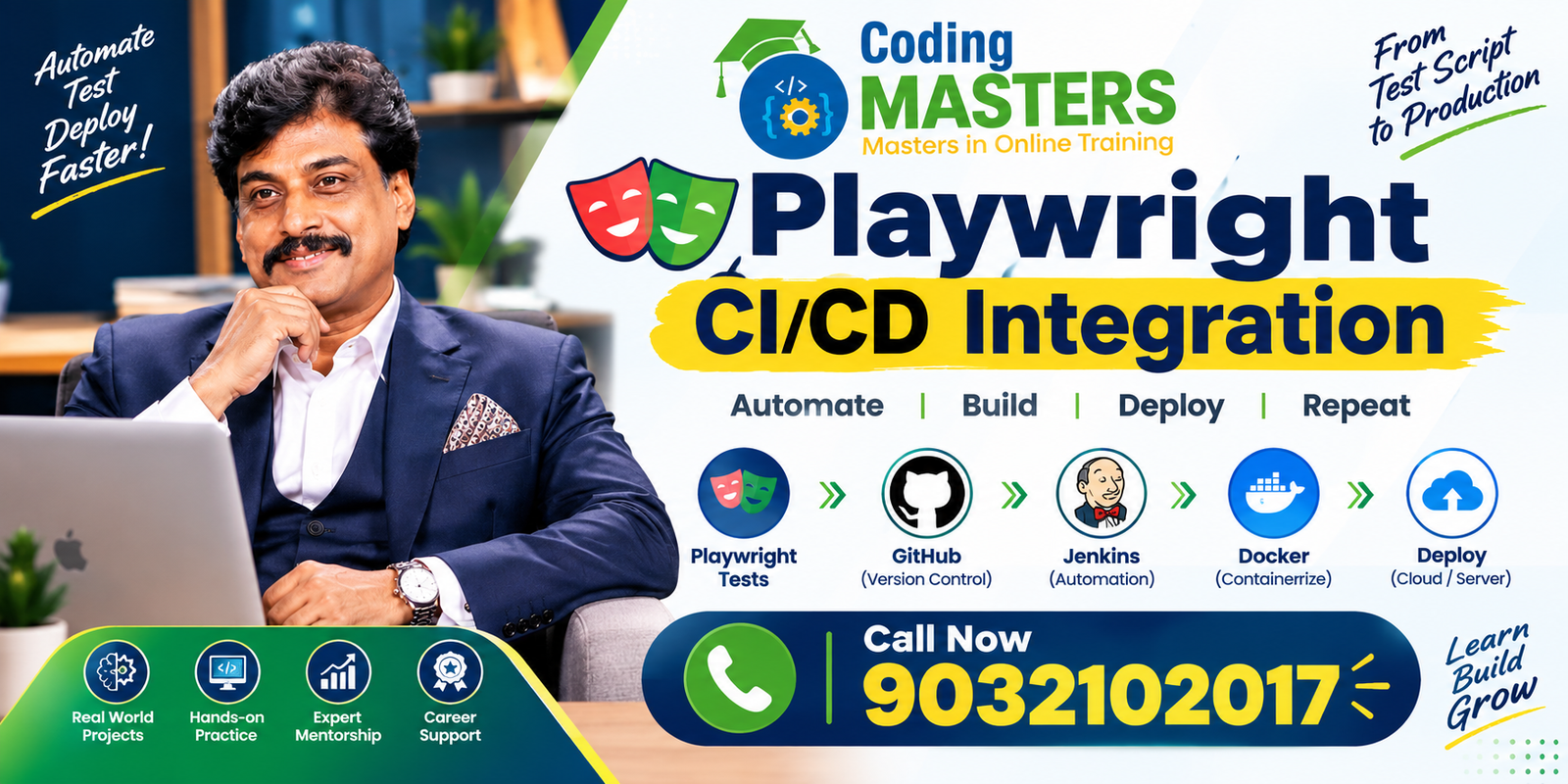
Whether you are a local student in Hyderabad, a recent graduate, a manual test engineer who has long relied on manual functional testing, a working professional already engaged in automation testing, Playwright Real-Time Project Training a QA engineer responsible for quality control, an SDET specializing in building testing tools, or even a professional looking to switch careers from another industry, learning to combine Playwright with CI/CD will let you build practical, industry-aligned modern software testing capabilities.
This approach does not treat automation testing as an isolated task unrelated to development; instead, it lets testers truly understand how the automated code quality verification process is embedded into the full software development lifecycle, from project initiation to launch, and how it plays a role in every step.
What Is Playwright CI/CD Integration?
Put simply, Playwright CI/CD Integration means pre-configuring all settings for Playwright’s automation tests so they can run without manual intervention in the Continuous Integration and Continuous Delivery deployment pipeline.
As soon as a developer commits new code, submits a pull request to merge their code into the main project, or triggers the process to deploy the software to production, the pre-configured Playwright tests will start automatically.
Playwright is most commonly used for end-to-end testing of web applications—simulating the full process of a real user from opening a website to completing all core functions. It natively supports all capabilities including automatic browser operation, test result verification, automatic test screenshot saving, recording of test operation trajectories, parallel test execution, and Cross-Browser Testing.
Meanwhile, CI/CD tools provide a stable operating environment where these tests can complete all steps automatically without any human intervention.
The most basic Playwright CI/CD workflow follows a clear, sequential order:
Code Commit → Build → Install Dependencies → Run Playwright Tests → Generate Report → Store Results → Deploy
With this configuration, you never need to have a tester manually trigger the automation test suite every time someone updates the code. This saves time spent on repetitive operations and avoids human errors like forgetting to start tests or entering incorrect commands that would slow down the entire development pace.
Playwright and GitHub Actions
GitHub Actions is an easy-to-use tool for people new to CI/CD to build Playwright CI/CD workflows. No matter what type of Playwright project you are working on, you can add a workflow configuration file to the project that specifies when tests should start and what exact commands to run after startup.
A common GitHub Actions Playwright workflow follows a nearly identical set of core steps: pull the latest code from the project’s Git Repository into the operating environment, install the required Node.js tool, install all project-dependent libraries and packages, install all browsers required for Playwright, run all written Playwright tests, generate a test result report, upload and save all files generated during testing, and finally publish the final test results for everyone to view.
For learners in Hyderabad building these skills, creating a Playwright GitHub Actions Project to include in your job portfolio is an extremely useful asset. It directly proves to interviewers that you can not only perform automation testing but also understand how basic CI/CD works in practice, rather than just reciting concepts.
You should also organize your project repository hosted on Your GitHub clearly, categorizing and storing Playwright’s testing framework, all test cases you have written, related files for the Page Object Model, all required configuration files, test mock data, and the complete CI/CD workflow configuration.
This lets interviewers see exactly how you structured the entire project and executed the testing process, gaining a clear understanding of your abilities at a glance.
CD With Jenkins: Jenkins-Based Playwright
The Playwright workflow built with Jenkins also follows a simple, clear structure with no out-of-order steps:
Git Repository → Jenkins Job → Dependency Installation → Playwright Test Execution → Test Report → Build Result
You can also add an extra feature to this pipeline: it will mark the project build as successful or failed based on test results.
If any core automation test fails, the pipeline will pause immediately, halting progression until the entire team identifies the cause of the failure and resolves the issue before continuing with subsequent delivery steps.
This ensures no flawed version ever reaches the production launch stage. For experienced testers who already have automation testing expertise, learning to integrate Playwright with Jenkins lets you add another industry-relevant skill on top of your existing knowledge of Experienced Selenium or other older automation tools, avoiding obsolescence as the industry evolves.
How to Build a Playwright CI/CD Project
When you start building a functional Playwright CI/CD project, avoid overcomplicating things at the outset—begin with a simple, usable Playwright automation framework.
Once you have run all tests successfully on your local computer and confirmed they operate stably with no errors, the next step is to upload the entire project to a source code hosting repository.
Before uploading, organize the project’s folders clearly: create dedicated folders for test cases, page objects, test fixtures, common utility scripts, and test mock data, rather than piling all files into a messy root directory.
You should also write a concise Playwright configuration file to confirm the entire test suite can be started with a single standard command, avoiding the hassle of entering a long string of instructions to run the tests.
With these foundational preparations solidified, you will not feel overwhelmed when you start configuring the CI/CD workflow.
The ideal learning sequence for building this project is to proceed step-by-step, rather than trying to master everything at once. Follow this order for a smooth learning curve:
Playwright Basics → Framework Development → Repository Management → CI/CD Configuration → Automated Test Execution → Generate Report
This gradual approach is extremely friendly for beginners, requiring you to learn only one new skill per stage. You will not be stumped by a flood of complex concepts and operations right from the start, and you can build a solid foundation gradually.
Playwright Test Reports and Debugging
Making automation tests run automatically in the CI/CD workflow is only the first step of CI/CD integration. What matters more next is that testers learn how to identify and resolve test failures—you cannot stop at seeing a failed test and not know what to do next.
All files generated by testing are saved automatically during CI/CD execution. As soon as a test fails, you can open these files immediately to check the details.
For example, if a test for an e-commerce checkout process fails in the CI operating environment, testers can retrieve the generated report and trace data to pinpoint exactly which step of the test encountered an issue and what specific cause led to the failure.
Learning to distinguish between these different failure causes is a core skill for automation testing, and the key to doing testing well.

CD Projects for Hyderabad Job Seekers
Students and new graduates across Hyderabad looking for testing-related roles can gradually enrich their Playwright CI/CD portfolio by adding CI/CD integration to their projects.
When you are a complete beginner, avoid jumping into complex large projects immediately—start with the simplest automated login testing project.
Once you fully understand how to locate page elements, verify test results, and organize your written tests, add the Page Object Model and reusable components to the project to expand it gradually.
Next, you can build a complete e-commerce process test that covers core steps including product search, adding/removing/editing items in the shopping cart, and checkout and payment.
Once these are stable, add API testing and cross-browser verification features to the project. Finally, connect the entire project to GitHub Actions or Jenkins so tests can run automatically without manual startup.
This skill development path is perfectly clear, and following it step-by-step keeps you from getting lost:
Login Testing → E-Commerce Testing → API Testing → Cross-Browser Testing → Framework Development → CI/CD Integration
Learners living in Hyderabad’s internet industry hub areas including Ameerpet, Madhapur, Gachibowli, Kondapur, and HITEC City—whether you are learning through a course or self-studying—can use this step-by-step method to build a functional, working automation project.
You will develop skills that meet local employers’ requirements for modern QA roles, making you more competitive when job hunting.
Build a Job-Ready Playwright CI/CD Portfolio
A professional Playwright CI/CD portfolio that actually helps you land a job offer showcases your hands-on ability to build real things, rather than just filling your resume with a list of technical terms you have never even heard of.
Write every step clearly, so anyone reviewing your project never has to guess. You should also build substantial, distinct projects: avoid cluttering your GitHub homepage with dozens of nearly identical repositories that look numerous but are all repetitive.
Every project you build should highlight a unique, valuable skill, so others can see you learned something new with each project.
For example, you can build one project focused on core UI automation, another that showcases your mastery of the Page Object Model, a third that combines API and UI testing, and a fourth dedicated to demonstrating cross-browser testing embedded with CI/CD.
Each project has a different focus, with no overlap.Playwright Career Path in Hyderabad
Most importantly, every technology you list on your resume must be explainable in depth during interviews—you cannot just write the name and not know how to use it.
If you mention technologies like Playwright, GitHub Actions, API testing, Docker, or the Page Object Model on your resume, your portfolio must include a working project instance where you actually used these tools, proving you have real hands-on experience, not just a memorized name to pad your resume.
Conclusion
Learning and practicing Playwright CI/CD Integration in Hyderabad offers all local automation testers a unique opportunity to connect browser automation technology directly to mainstream modern software delivery practices, keeping pace with the industry’s development.
Testers can fully configure Playwright’s test suite so that as soon as the development process triggers the CI/CD pipeline, tests start automatically, and anyone can view the test results.
For beginners, the most efficient learning path is to start with basic Playwright automation, master that tool first, then gradually add skills like using Git, building your own testing framework, generating test reports, and cross-browser testing, and finally learn CI/CD integration.
A well-structured, functional Playwright CI/CD project directly proves you have practical knowledge of automation testing, source code management, continuous integration, test report generation, debugging, and modern end-to-end development workflows, rather than just memorizing concepts.
For all learners and working professionals studying or working in automation testing in Hyderabad, these combined skills form the core of a practical testing portfolio that can help you land a job offer, letting you stand out to local employers and outperform other candidates who only have basic testing skills.
Address: flat no 101, Bhavya Krishna Residency, OPP: Siddartha Degree College, Ameerpet Rd, Kumar Basti, Nagarjuna Nagar colony, Yella Reddy Guda, Hyderabad, Telangana 500073