


What Is Playwright?
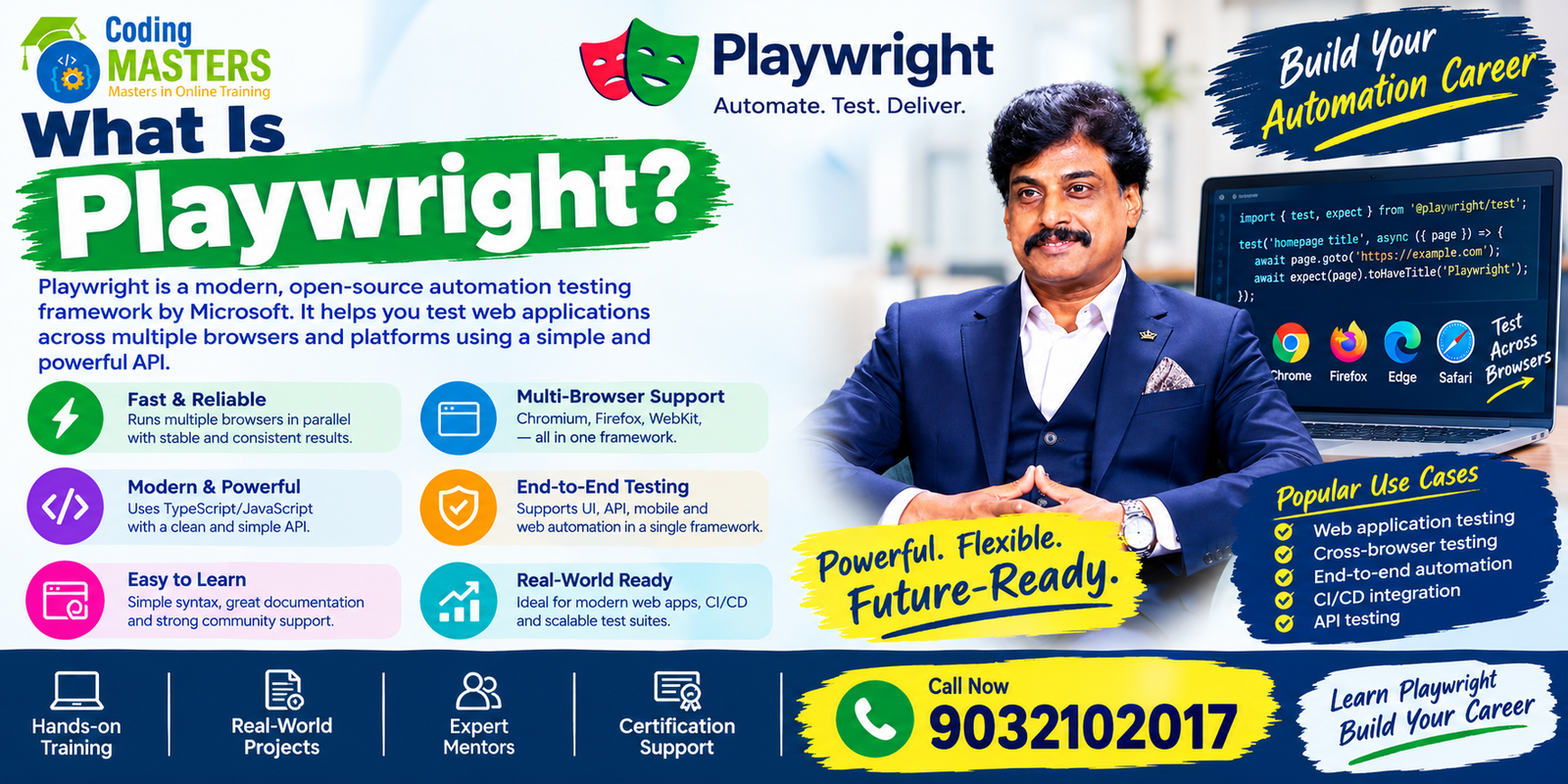
Playwright is a modern open-source automation testing framework developed by Microsoft, specifically designed to test all types of new web applications.
With it, testers and developers do not need to manually click through browsers or operate page elements; all steps can be executed automatically. It can also work across different browsers and operating systems to uniformly check whether every function of a web application works properly, eliminating the need to repeat manual testing in every environment.
Playwright Automation Testing is applicable to a very wide range of scenarios, including To-End tests that simulate complete user operation processes from start to finish, functional tests that check whether a single function works correctly, regression tests that retest original functions after code modifications, API testing that tests front-end and back-end interfaces, cross-browser tests that run the same set of test cases in different browsers, and it can also be integrated into the continuous integration workflows commonly used by development teams, so there is no need to set aside separate time to run tests.
It natively supports three current mainstream browser kernels: Chromium, Firefox, and WebKit. It is a rare practical tool for teams that need to implement stable browser automation operations in various different device and system environments, as they do not need to switch between multiple testing tools to adapt to different browsers.
For students, recent graduates, software testers, QA engineers, automation testers, and working professionals living in Hyderabad, learning Playwright allows them to master practical skills suitable for all current automation testing projects, which perfectly aligns with the current industry’s capability requirements for testing practitioners.
Browser Support for Playwright
A core feature of Playwright is that it supports multiple browser engines, so there is no need to connect to different testing tools separately to adapt to different users’ commonly used browsers.
The engines supported by Playwright include:
- Chromium
- Firefox
- WebKit
With this support, testers can run the same set of automation test scripts in all its adapted browsers one by one, specifically to identify problems that only appear in one specific browser.
If the users targeted by your product are accustomed to accessing the website with various different browsers and devices, the importance of this cross-browser testing becomes particularly prominent.
With Playwright, testers can also configure exclusive project parameters separately for each browser that needs adaptation, and then run all test cases according to the actual needs of their own application.
Core Functions of Playwright
Playwright comes with a complete set of mature tools, designed from the outset to simplify the work of current web automation testing.
Its core capabilities cover these areas:
- Browser automation
- Flexible and powerful element locators
- Built-in assertions
- Auto-wait mechanism
- Independent and isolated browser contexts
- Reusable test fixtures
- Parallel test execution
- Screenshot and test screen capture
- Full-process covered Trace Viewer
- Network request interception
- Native API testing
- Detailed test report generation
- Flexible configuration management
Among them, the auto-wait mechanism ensures that tests only interact with an element on the page when it is fully loaded and ready to receive operations.
In most test scenarios, there is no need to write unnecessary, fixed-duration hard-coded wait times.
In addition, Playwright supports the browser context function. With this function, testing teams can quickly spin up completely isolated independent test environments with extremely low resource consumption, and tests in different environments will not interfere with each other.
Playwright Used with JavaScript
JavaScript is one of the most popular programming languages when using Playwright.
Testers can use JavaScript to write their own browser automation scripts, and also build scalable and reusable automation testing frameworks to support long-term testing work.
A basic Playwright automation process usually proceeds in a clear sequence:
- Start the browser.
- Navigate to the target website to be tested.
- Find the corresponding element on the page.
- Complete the required user actions.
- Verify that the operation results match the expected results.
- Close the browser after the entire test is completed.
Laying a solid core foundation in JavaScript while learning Playwright can help testers easily understand variables, functions, arrays, objects, conditional logic, loops, asynchronous programming, and all other core concepts used to write automation scripts.
For job seekers who want to find automation testing jobs in Hyderabad, combining solid JavaScript capabilities with hands-on Playwright experience can lay a solid and sufficient technical foundation to meet the requirements of local positions.

Writing Playwright Scripts with TypeScript
TypeScript is one of the commonly used programming languages in Playwright Automation Testing.
It adds static type checking on top of JavaScript, as well as many features that help development work more smoothly.
Many automation testing teams use TypeScript to build test frameworks with clear structures that are easy to maintain long-term.
With its support, even large-scale automation projects can easily sort and maintain code, and it will not easily become disorganized.
Learners new to Playwright do not need to tackle complex framework building right away; they can advance step by step.
For job seekers who want to apply for Playwright Automation Tester and QA Automation Engineer positions, mastering both TypeScript and Playwright is particularly useful, as it perfectly matches the core capability requirements of these positions.
Playwright To-End Testing
To-End testing verifies from start to finish whether a complete set of user usage processes in the application can run normally.
For example, if you want to test an e-commerce website, an automation tester can write a Playwright test script that executes all the following steps in order:
- Open the application.
- Log in with valid account credentials.
- Search for the desired product.
- Open the product’s detail page.
- Add the product to the shopping cart.
- Enter the checkout process.
- Verify that all important order information is correct.
- Log out and end the operation.
After automating these complete business processes, the testing team can repeatedly verify that the core functions of the application always meet expectations and operate normally.
Page Object Model for Playwright
The Page Object Model, often abbreviated as POM, is a design approach for organizing automation frameworks.
With this model, you do not have to write all the positioning code for finding web page elements and the automation logic for operating elements directly in the test cases.
- Login Page
- Home Page
- Product Page
- Cart Page
- Checkout Page
This architecture helps you easily maintain automation projects long-term, even as the underlying application itself iterates and updates continuously.
For this reason, mastering the Page Object Model while learning Playwright is a core content that everyone who wants to build a practical automation test suite must fully grasp.
Playwright CI/CD Integration
Modern software development teams take Continuous Integration and Continuous Delivery as standard working methods.
Commonly used tools and platforms in automation environments include Git, GitHub, Jenkins, GitHub Actions, Docker, and a range of other DevOps technologies.
A typical workflow has a clear sequence:
- Developers submit code to a shared repository.
- The submission automatically triggers the pipeline.
- Playwright tests are executed.
- Detailed performance reports and test pass/fail reports are generated.
- The complete test results are synchronized to the development team.
Mastering this process allows automation test engineers to work smoothly and efficiently in Agile and DevOps working environments, without falling out of step with the team’s development and release rhythm.
Playwright Training in Hyderabad
Hyderabad is India’s top employment hub for the technology and software industries, with the IT industry intensively distributed in Ameerpet, Madhapur, Gachibowli, Hitech City, Kukatpally, Begumpet and surrounding areas.
A solid and comprehensive learning course covers core content such as browser automation, locators, assertions, test hooks, fixtures, Page Object Model, API testing, cross-browser testing, debugging, test reports, Git, and complete CI/CD integration.
In any valuable learning process, hands-on experience with real projects is an essential core part; only learning knowledge points cannot train the ability to do practical work.
Playwright Training in Ameerpet
Playwright Training in Ameerpet specifically serves learners in the automation testing field who prefer in-person classrooms or need systematic guidance.
Compared to studying tutorials alone, having guidance helps avoid many detours.
Trained students will first master the core basics, then gradually advance to real automation projects.
These projects cover web application testing, API testing, regression testing, cross-browser testing, and end-to-end CI/CD processes.
For all learners who want to sign up, the most critical thing is to choose a course that meets their own needs, prioritizing training classes that focus on hands-on learning, provide access to real projects, and match their existing technical foundation.
Playwright Course for Graduates
New graduates can sign up for the Playwright Course in Hyderabad to accumulate practical automation testing skills while consolidating the basic software testing concepts used in all quality assurance work.
Before in-depth learning of advanced automation processes, beginners must first lay a solid knowledge foundation, mastering content such as SDLC, STLC, test case design, functional testing, regression testing, defect reporting, Agile methods, and basic API testing.
Skipping the basics to learn automation directly can easily lead to getting stuck halfway.
After mastering these core basics, students can develop their own Playwright projects and organize their works into a public GitHub portfolio to showcase their abilities.
Playwright Professional Skills
- Playwright Automation
- JavaScript
- TypeScript
- Manual Testing
- Functional Testing
- Regression Testing
- API Testing
- SQL
- Git
- GitHub
- CI/CD
- Agile Testing
- Page Object Model
- Cross-browser testing
Job seekers submitting resumes should note that you should only list technologies on your resume that you have actually learned and can explain clearly to the interviewer during the interview.
Do not pad your resume with unmastered content just to fill in keywords.
Who Should Learn Playwright?
There are many groups suitable for learning Playwright, and people of different foundations and stages can gain practical benefits from learning this skill.
Current students can learn it to build truly implementable automation projects, turning book knowledge into usable practical skills. Recent graduates can use it to strengthen their testing portfolios, making them more competitive when job hunting.
Address: 5th Floor, Annapurna Block 513, ADITYA ENCLAVE, Kumar Basti, Ameerpet, Hyderabad, Telangana 500016